Benefits
Pre-requisites
Step 1: Download the installer
Download the AWS CLI installer from the link below.
https://awscli.amazonaws.com/AWSCLIV2.msi
Alternatively, we can use the msiexec command directly to run the MSI installer (msiexec.exe) with 2 ways.
Interactive Installation:
C:/>msiexec.exe /i https://awscli.amazonaws.com/AWSCLIV2.msi
Silent installation (No User interaction):
C:\> msiexec.exe /i https://awscli.amazonaws.com/AWSCLIV2.msi /qn
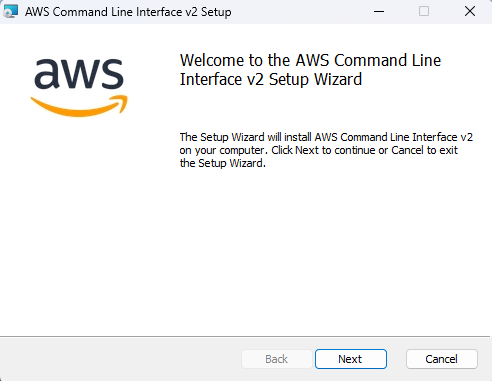
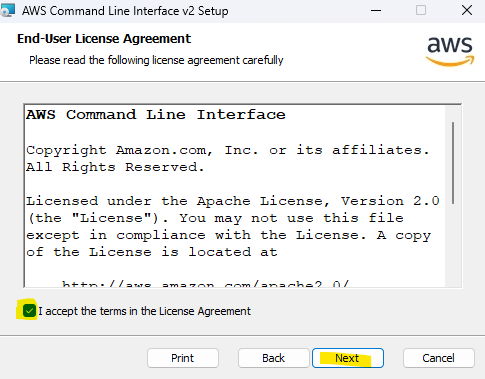
Accept the License agreement and press Next.
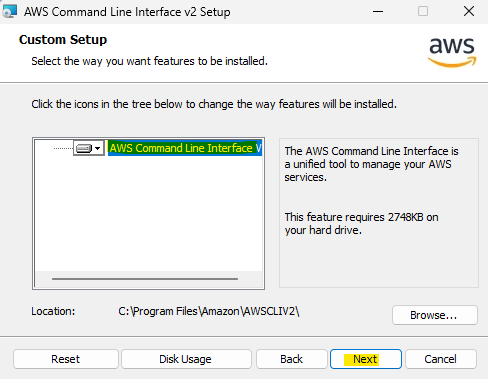
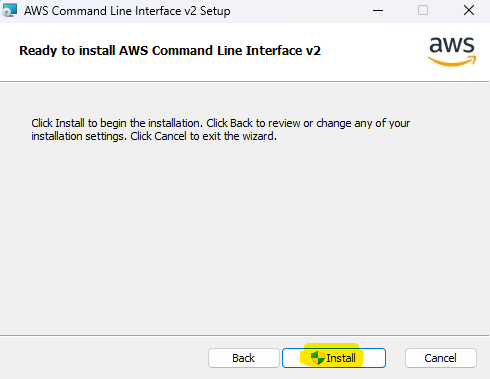
It may take a few minutes to finish the installation.
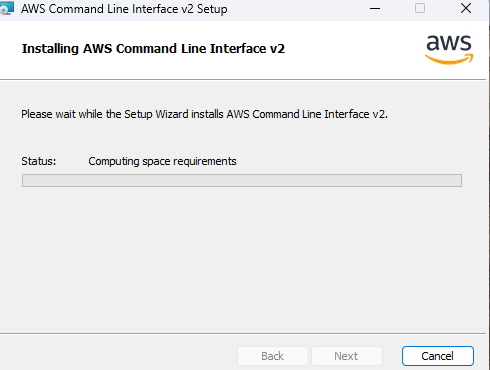
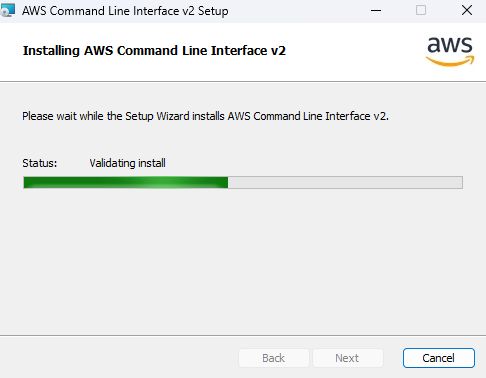
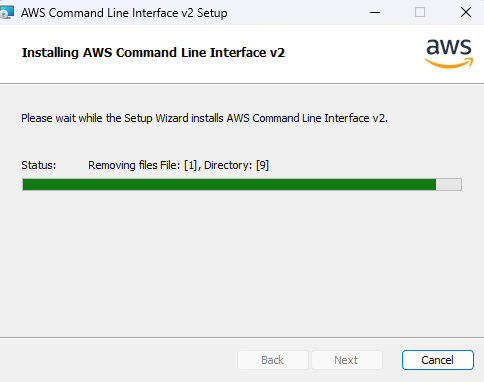
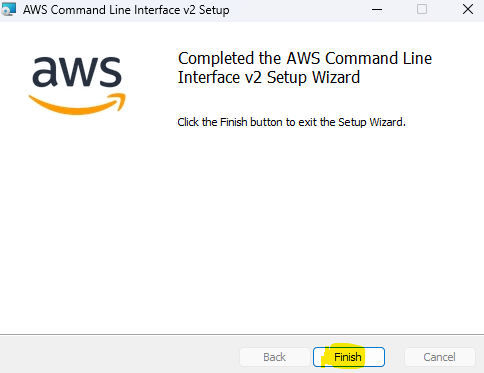
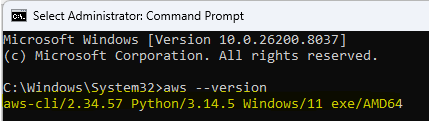
Once the installation is finished successfully. Open CMD and run the command aws –version
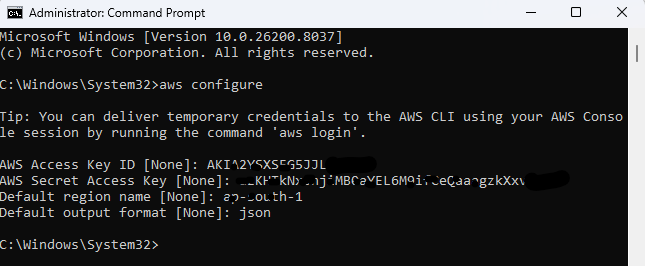
For AWS CLI registration. Once installation is completed, we need to configure AWS ACCOUNT with it, for this we need to login to the AWS MANAGEMENT CONSOLE and retrieve USER information Access key , secret key and region in AWS IAM section.
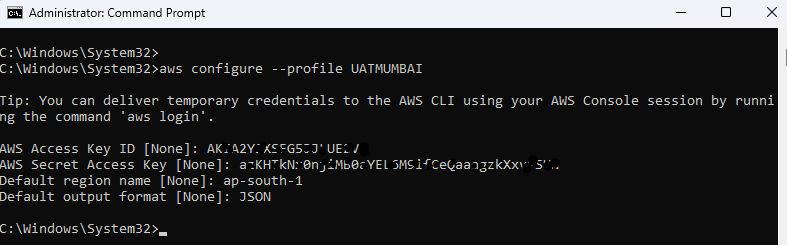
For AWS CLI configuration, we have 2 options: aws configure for direct user configuration or create a profile for each account with a region to ease management.
Option 1 (aws configure)
Option 2 (aws configure –profile)